



A television that keeps buffering, a video call that freezes at the wrong moment, or a smart device that repeatedly drops offline can all have the same underlying problem: the home network is struggling to keep up with the way the household uses technology.
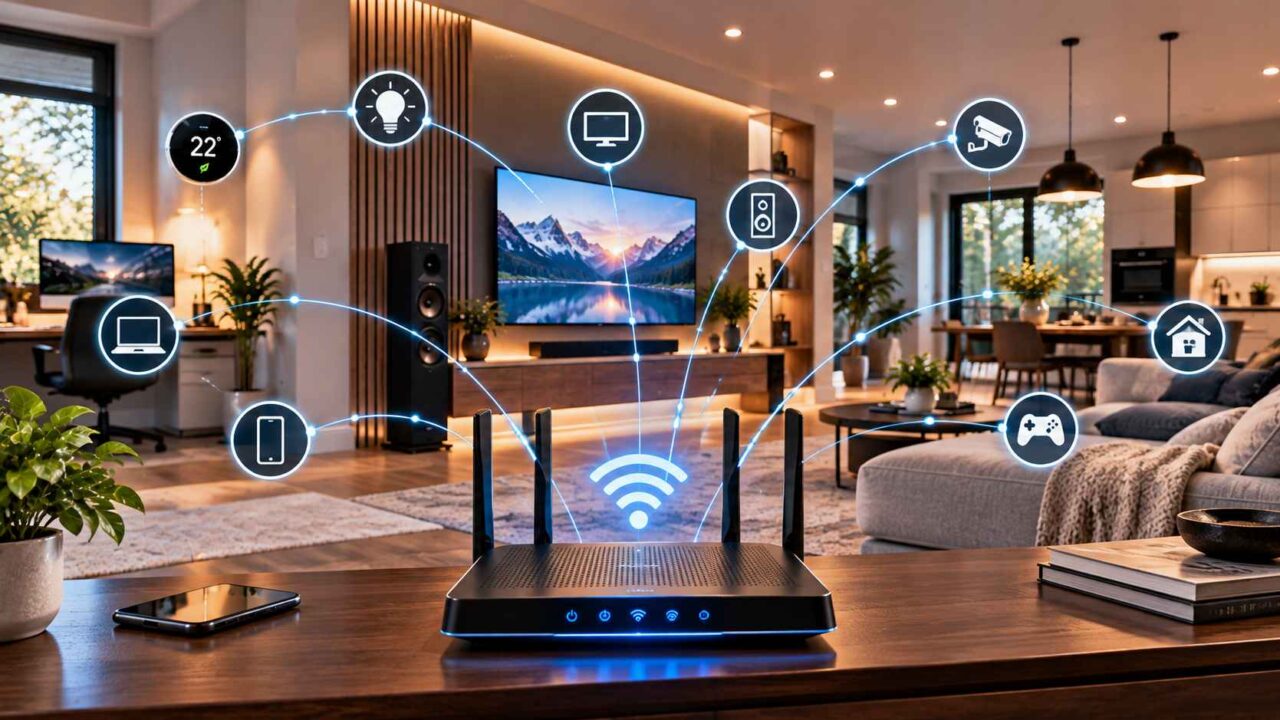
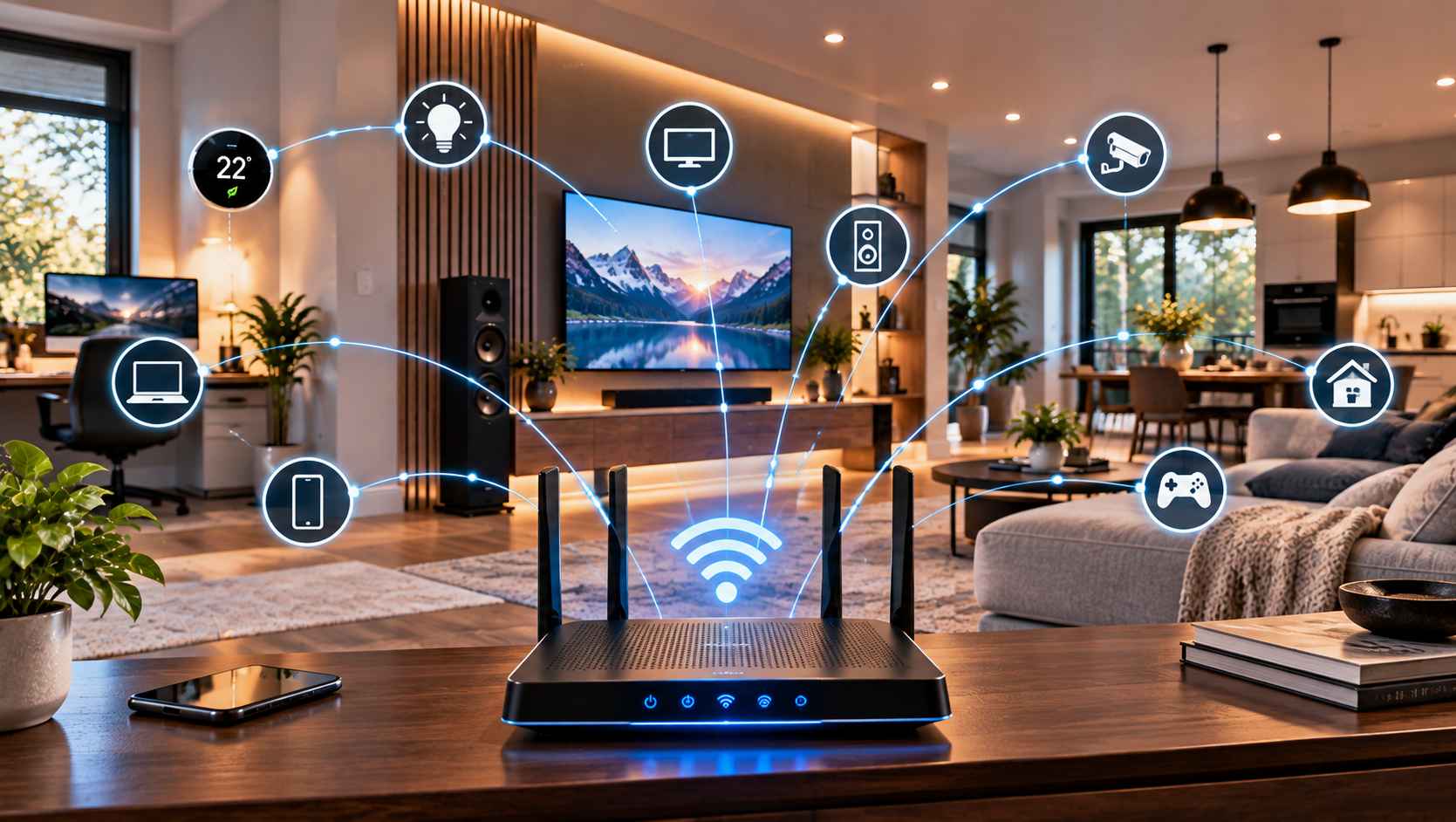
Modern homes increasingly depend on connectivity for more than browsing the internet. Streaming services, televisions, speakers, security devices, smart thermostats, home offices, gaming systems, and automation controls may all rely on the same network.
That makes networking an important part of the overall home-technology plan. A reliable network does not necessarily require complicated equipment, but it does require thoughtful planning around the home’s layout, construction, devices, and daily routines.
Why Home Networking Matters More Than It Used To
A typical household can have dozens of connected devices operating throughout the day.
Some may be actively communicating with the internet, while others may simply remain connected in the background. Phones, tablets, televisions, speakers, computers, appliances, cameras, and smart-home controls can all contribute to the demands placed on a network.
At the same time, people expect different devices to work without much thought.
A streaming service should play smoothly. A video meeting should remain connected. A smart light should respond when needed. A wireless speaker should not disappear from the network halfway through a playlist.
When connectivity is planned properly, these activities can coexist more comfortably.
Start by Understanding the Home’s Layout
Every home presents different networking challenges.
A compact apartment may have relatively short distances between the router and connected devices. A larger detached home may have multiple floors, thick walls, finished basements, garages, or other areas where the wireless signal has more difficulty reaching.
The construction of the home can also influence connectivity.
Walls, floors, cabinets, appliances, and the location of the networking equipment can all affect how wireless signals travel.
Instead of assuming that one router will work equally well everywhere, homeowners should consider where connectivity is actually needed.
A network plan should follow the way people use the home rather than simply placing equipment wherever an internet connection enters the property.
Identify Weak Areas Before Adding More Devices
If certain rooms consistently have unreliable connectivity, adding more smart devices to those areas may make the problem more noticeable.
Start by identifying where the difficulties occur.
Does streaming work well in the living room but struggle in the bedroom? Is the home office reliable in the morning but less consistent when the rest of the household is active? Does a basement entertainment area have trouble maintaining a connection?
These patterns can provide useful information.
The goal is to understand the coverage requirements before deciding how the network should be improved.
Think About Router and Access-Point Placement
Where networking equipment is located matters.
A router hidden inside a cabinet, placed behind other equipment, or positioned at one end of a large property may not provide the same practical coverage as equipment positioned with the overall layout in mind.
Larger homes may benefit from additional access points or other networking approaches rather than relying entirely on a single wireless source.
The right solution depends on the property.
Homeowners should also consider accessibility. Networking equipment may need to be restarted, inspected, upgraded, or reorganized, so placing it somewhere completely inaccessible can create unnecessary frustration later.
Know When Wired Connections Make Sense
Wireless connectivity is convenient, but not every device needs to rely on Wi-Fi.
Some equipment can benefit from a wired network connection, particularly devices that remain in one location and regularly handle significant amounts of data.
A television, desktop computer, gaming system, network storage device, or central entertainment component may be candidates depending on the home’s design and networking requirements.
Wired connections can also reduce the number of devices competing for wireless capacity.
This does not mean every room needs network cabling. The practical approach is to identify the devices and locations where a wired connection would make sense and plan accordingly.
Streaming and Entertainment Depend on Connectivity
Home entertainment has become closely connected to networking.
A television may depend on the internet for streaming services. Music systems may retrieve content online. Gaming systems may require network access for downloads, updates, multiplayer features, or other functions.
When the network is unreliable, the entertainment experience can suffer even when the television, speakers, or other equipment are working correctly.
This is why networking should be considered part of an entertainment system rather than an entirely separate issue.
A home theatre plan that considers only the screen and speakers may overlook an important part of the experience.
Smart-Home Devices Need a Reliable Foundation
Smart-home technology can also depend heavily on network connectivity.
Lighting controls, thermostats, cameras, doorbells, speakers, appliances, and automation systems may need to communicate with a local network or online services.
A homeowner might install several smart devices and then discover that some are unreliable simply because the network was never planned for the locations where those devices were placed.
This is particularly relevant when adding technology gradually.
A network that worked well for a few phones and computers may need to be reconsidered as the number of connected devices grows.
Home Offices Have Different Priorities
The home office is another area where connectivity matters.
Video meetings, cloud applications, file transfers, remote desktops, and other work-related activities can be sensitive to interruptions.
A reliable connection does not guarantee that every online service will perform perfectly, but good network planning can remove one potential source of frustration.
Where possible, the location of the home office should be considered when planning network coverage.
If a particular workspace consistently struggles with connectivity, improving that area may be more useful than simply upgrading unrelated devices.
Keep Entertainment and Networking Organized
A home with multiple connected systems can quickly develop a tangle of cables, adapters, routers, switches, and equipment.
Organisation becomes increasingly important as the system grows.
Networking equipment should have a sensible location, cables should be labelled where appropriate, and equipment should remain accessible for future maintenance.
This is particularly valuable when several technologies are being installed at the same time.
When networking, entertainment, and smart-home systems need to operate as one connected environment, homeowners may choose to work with an integration specialist such as Signature Audio Video during the planning process.
The benefit of thinking about these systems together is that the network can be considered alongside the locations of displays, speakers, control systems, and other connected equipment instead of being treated as an afterthought.
Plan for Future Devices
A network should not be designed only around the devices currently sitting in the home.
Households change.
A spare room may become a home office. A basement may become an entertainment area. Additional televisions, speakers, cameras, appliances, or automation controls may be added over time.
This does not mean homeowners need to predict every future technology trend.
It simply means leaving reasonable flexibility can be useful.
During renovations, for example, homeowners may have opportunities to consider additional network cabling, equipment locations, or access points before walls and ceilings are finished.
Avoid Making the Network More Complicated Than Necessary
More networking equipment does not automatically mean a better network.
A complicated setup can become difficult to maintain, especially if nobody in the household understands how the individual components fit together.
The goal should be a network that provides appropriate coverage and capacity while remaining manageable.
Equipment should have a clear purpose.
If something is added, homeowners should understand what problem it is solving and how it fits into the rest of the system.
Simplicity can be especially valuable in homes where several people need to use the technology without becoming responsible for maintaining it.
Consider Networking Before Renovation
Renovation projects provide a particularly useful opportunity to think about connectivity.
Before walls are closed, homeowners can consider where televisions, speakers, workstations, networking equipment, and other connected systems will eventually be located.
This can influence decisions about cable routes, power outlets, equipment storage, and network connections.
Planning early does not mean installing every possible connection.
It means avoiding situations where a future technology upgrade requires unnecessary disruption simply because there was no practical route for it during the original renovation.
Build Around Real Household Needs
The strongest home-networking plan is usually based on how the household actually lives.
A family that streams several services, works remotely, uses smart-home controls, and has multiple entertainment areas may have different requirements from someone who mainly uses a few computers and mobile devices.
Start by identifying the important locations and activities.
Then consider where wireless coverage is needed, which devices may benefit from wired connections, where networking equipment should be located, and how the system might evolve.
There is no single networking setup that is ideal for every Canadian home.
Make Connectivity Part of the Bigger Picture
Home networking is easy to overlook because it is often invisible when everything works properly.
Yet it sits underneath many of the technologies people use every day.
Televisions, speakers, streaming services, home offices, smart-home controls, and connected appliances all benefit from a network that has been planned around the actual property and household.
The objective is not to create the most complicated system possible.
It is to create a practical foundation that supports the technology already in the home while leaving enough flexibility for reasonable changes in the future.
When connectivity is considered alongside entertainment, automation, and the physical layout of the home, technology becomes easier to manage and more useful in everyday life.